Monitors, Memory & PC Hardware Upgrades
PC Components for Business & Professional Workstations
Upgrade, replace or expand workplace computers with practical PC components for business, home office and professional IT environments.
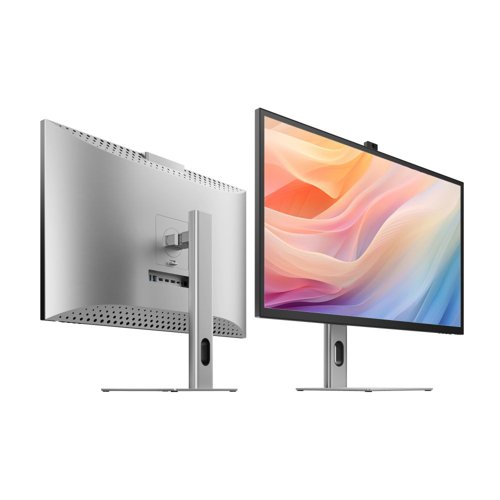
Browse desktop monitors and PC memory for workstation upgrades, replacement hardware and wider office technology rollouts.
Shop PC components
Start with the component you need
Go directly to display upgrades or internal memory for compatible desktop and workstation systems.
Upgrade existing workstations
Improve display space or system capability
Not every workstation upgrade requires replacing the entire computer. A new monitor can improve the available screen space for everyday work, while compatible memory upgrades may help an existing system better support its intended workload.
These components can be useful when refreshing individual desks, standardising equipment across teams or supporting planned IT upgrades within a wider workplace technology setup.
Quick upgrade guide
What are you trying to improve?
Start with a desktop monitor.
Check the exact RAM specification required.
Confirm the computer model, ports and technical specification before ordering.
Upgrade around the workstation
PC components for everyday workplace requirements
Think about the actual task, current hardware and expected working life before deciding what to upgrade.
Compatibility matters
Check specifications before ordering
PC components are not universally interchangeable. For memory, check the required memory type, capacity and system specification. For monitors, review screen size, resolution, available connections and whether the computer can support the intended display setup.
Connecting new hardware?
Check cables & adapters too
New monitors and other hardware may require the correct cable, connector or adapter for your existing equipment.
Explore Cables & Adapters →Complete the workstation
Need more than the component itself?
Explore the wider office technology range when building or refreshing a complete workstation rather than replacing a single component.
Make existing hardware work harder
Targeted upgrades can extend useful device life
Where a computer remains suitable for its role, replacing or upgrading an individual component may help extend the useful life of the workstation and avoid premature replacement of otherwise functional hardware.
Upgrade the workstation
Shop PC Components
Browse desktop monitors and PC memory for compatible business computers, workstation upgrades and workplace technology refreshes.